AVL Tree Simulation: An Interactive Guide
When computer science students learn about data structures, the AVL Tree is frequently one of the hardest topics to master. Understanding the theory behind a self-balancing binary search tree (BST) is one thing, but tracing rotations and memory pointers on paper is a slow, error-prone process.
When computer science students learn about data structures, the AVL Tree is frequently one of the hardest topics to master. Understanding the theory behind a self-balancing binary search tree (BST) is one thing, but tracing rotations and memory pointers on paper is a slow, error-prone process.
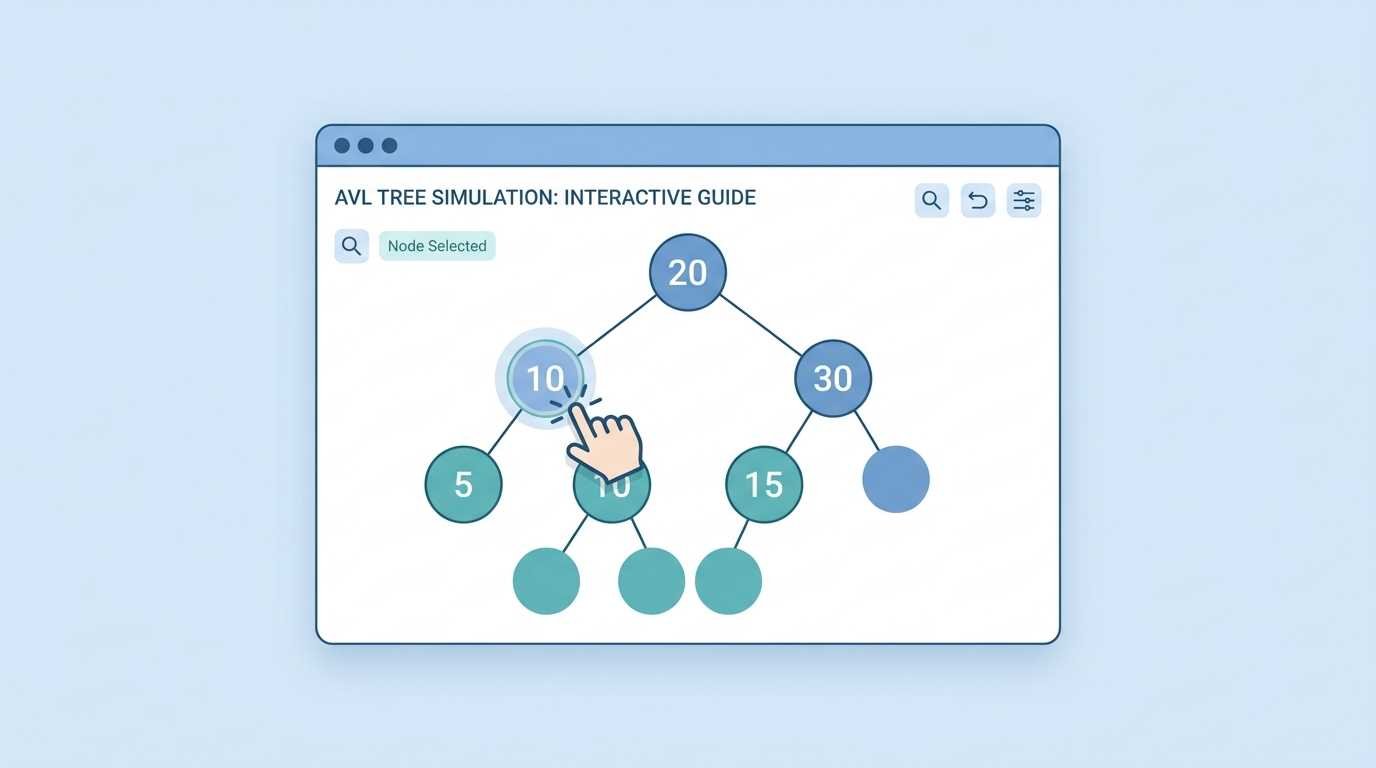
This is exactly where an online AVL tree simulator becomes an indispensable tool. In this guide, we will explore how to use an interactive generator to visualize node insertion, calculate balance factors, and watch animated AVL tree rotations in real time.
What is an AVL Tree?
An AVL Tree (named after its inventors Adelson-Velsky and Landis) is a data structure that automatically keeps its nodes organized and perfectly balanced.
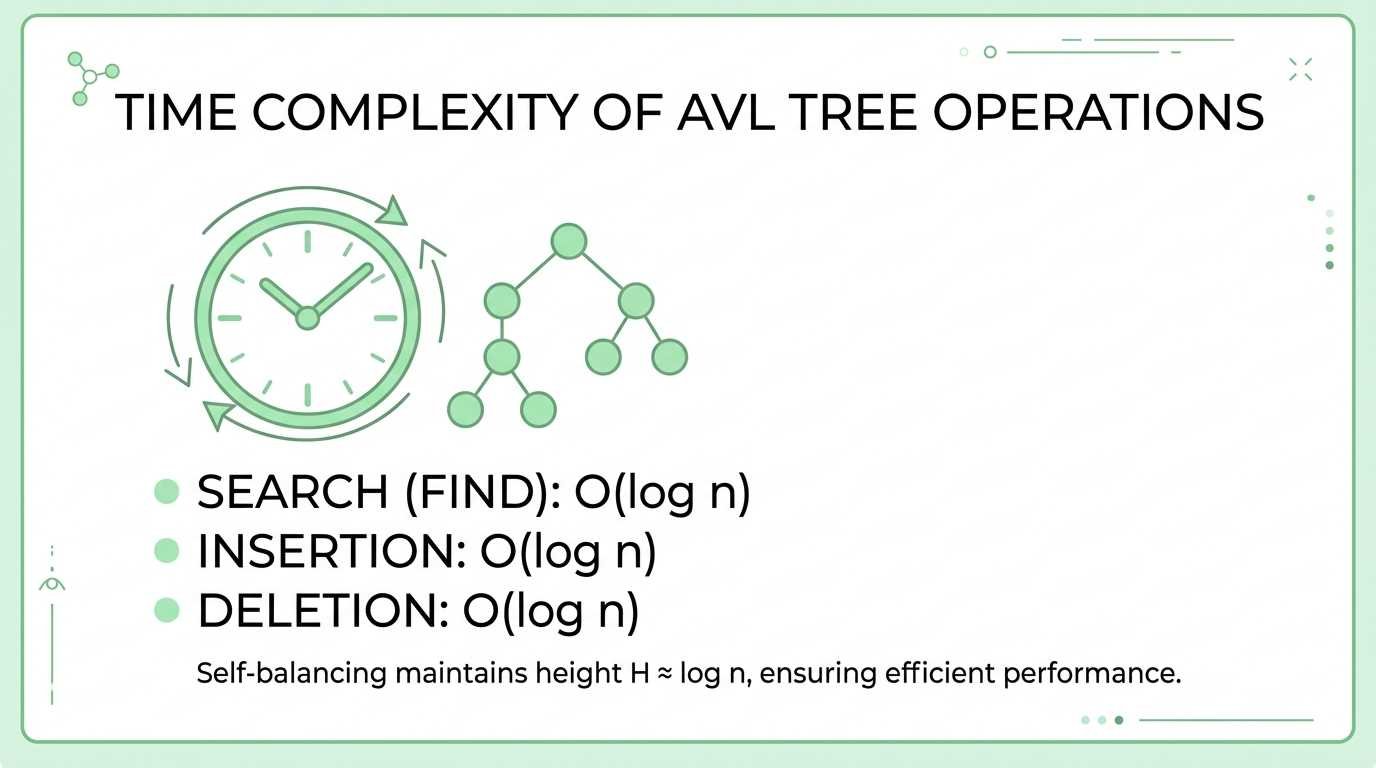
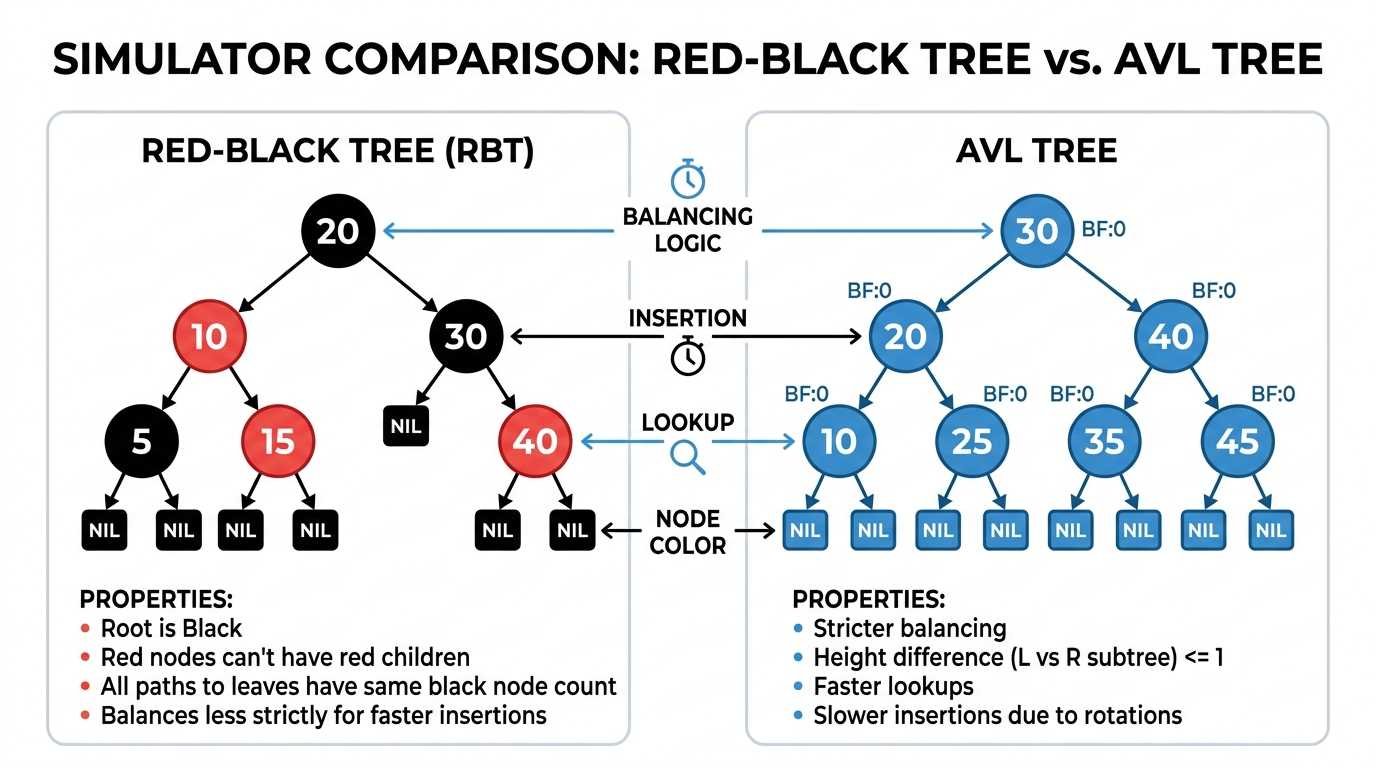
In a standard binary tree, if you insert sorted data (for example: 1, 2, 3, 4, 5), the tree degrades into a straight line. This ruins its search speed, dropping the performance to $O(n)$. The AVL tree solves this by enforcing a strict structural rule: the height difference between the left and right subtrees of any node can never be greater than 1.
How the Balance Factor Works
To maintain this rule, the tree constantly calculates a "Balance Factor" for every single node immediately after an insertion or deletion. The mathematical formula is simple:
Balance Factor = Height (Left Subtree) - Height (Right Subtree)
- If the result is -1, 0, or +1, the node is safely balanced.
- If the result is greater than +1 or less than -1, the tree is unbalanced, and the simulation will instantly trigger a rotation to fix the structure.
The Four Rotations in an AVL Simulator
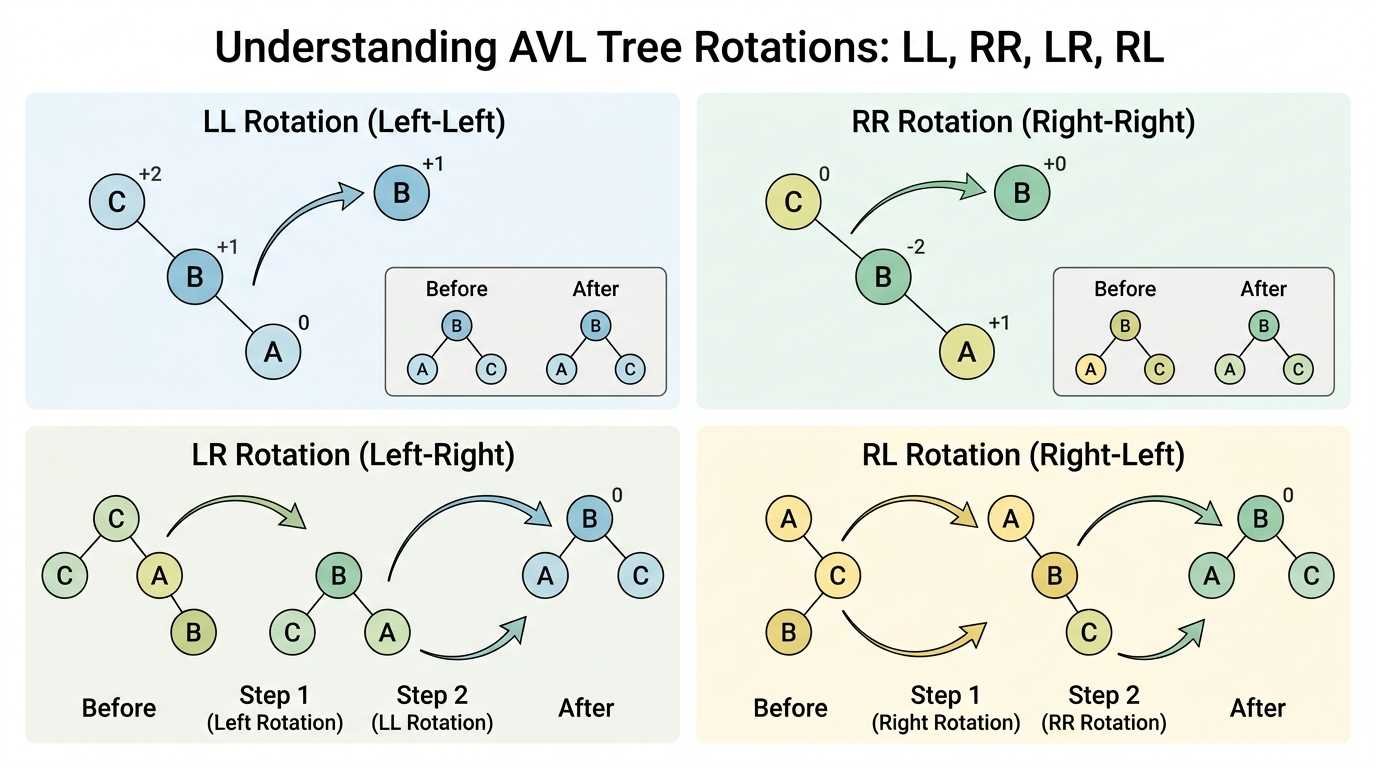
Using an interactive avl tree simulation allows you to see exactly how the algorithm rearranges nodes without breaking the fundamental ordering rules of a binary search tree. There are four types of rotations you can test in the tool:
1. Single Right Rotation (LL Case)
This occurs when you insert a node into the left subtree of a left child. The tree becomes too heavy on the left side. * Simulator Example: Insert 30, then 20, and finally 10. * Visual Result: You will see node 20 rise to become the new root, while node 30 is pushed down to the right.
2. Single Left Rotation (RR Case)
This is the mirror of the previous case. It happens when you insert data into the right subtree of a right child (the tree is too heavy on the right). * Simulator Example: Insert 10, then 20, and finally 30. * Visual Result: The simulator will execute a left rotation, placing node 20 in the center as the new root.
3. Left-Right Double Rotation (LR Case)
This occurs when a node is inserted forming a "zigzag" pattern (left child, then right child). * Simulator Example: Insert 30, then 10, and then 20. * Visual Result: A single rotation isn't enough. The simulator will first rotate node 10 to the left, straightening the line, and then rotate node 30 to the right.
4. Right-Left Double Rotation (RL Case)
This happens in the opposite zigzag pattern (right child, then left child). * Simulator Example: Insert 10, then 30, and then 20. * Visual Result: The simulator performs a right rotation on the bottom node, followed by a left rotation on the root.
Why Use AVL Visualizer?
Testing your code blindly in a terminal console can be highly frustrating. By using an interactive animated AVL tree tool like AVL Tree Visualizer, you can:
- Generate Random Trees: Create complex trees of 20 or 30 nodes with a single click to see how they structure themselves at scale.
- View Operation History: The terminal log explains step-by-step exactly why the algorithm decided to perform a specific rotation.
- Real-Time Animations: Visually grasp the $O(\log n)$ time complexity by following the highlighted search path down through the branches.
Whether you are studying for a university data structures exam or programming a database index in Python or Java, stop drawing circles on paper. Use our free online generator to master balanced trees today.