Why You Need an Online AVL Tree Generator (Virtual Lab)
Discover why using an online AVL tree generator or virtual lab is essential for computer science students mastering self-balancing trees.
Computer science students and software developers often hit a wall when learning advanced data structures. It is one thing to read about how a self-balancing binary search tree operates in a textbook, but it is entirely different to trace the pointer changes by hand or debug them in a console log.
When dealing with height constraints, balance factors, and four distinct rotation cases, static diagrams simply aren't enough. This is why using an interactive online AVL tree generator acts as a crucial "virtual lab" for mastering algorithms.
The Problem with Learning Trees on Paper
If you are a student preparing for a data structures exam, you have likely been asked to draw the resulting AVL tree after inserting a specific sequence of numbers.
Doing this on paper is incredibly error-prone: * You have to manually erase and redraw nodes every time a rotation occurs. * You have to mentally recalculate the height of every ancestor node after every single insertion. * If you make one mathematical mistake calculating a balance factor early in the sequence, the entire rest of your tree will be structurally incorrect, ruining the final answer.
Console logging your Python or Java code isn't much better. Printing a tree to a text terminal usually results in a confusing, unreadable mess of brackets and indents that fails to convey the actual spatial structure of the data.
Use Case 1: The Student's Virtual Lab
An online AVL tree builder serves as a mathematical sandbox. Instead of guessing if your paper-and-pencil answer is correct, you can use the tool to verify your work step-by-step.
By generating a tree interactively, you gain several immediate benefits:
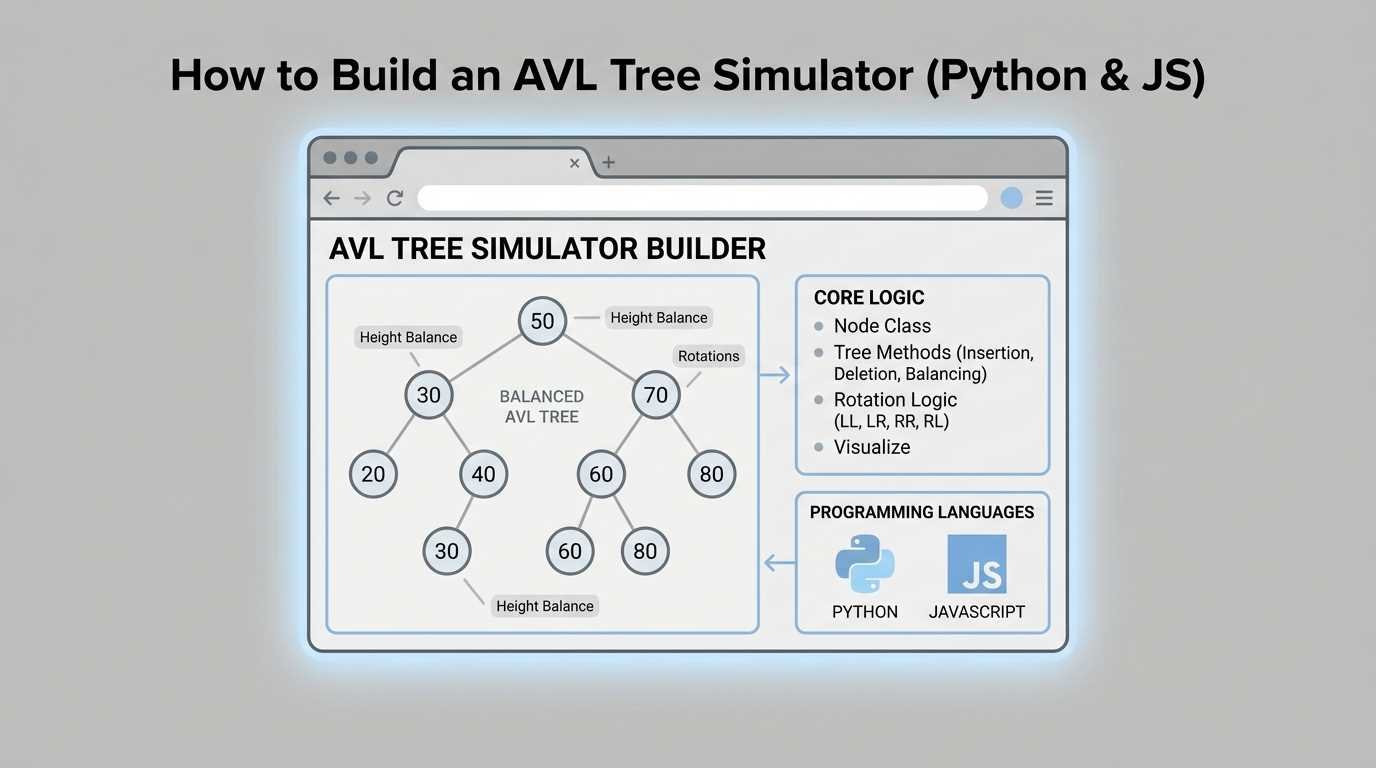
- Real-Time Balance Factors: A good simulator displays the balance factor badge directly on the node. You can watch exactly when a node hits $+2$ or $-2$, alerting you that a rotation is imminent.
- Step-by-Step Traversal: When you click "Search" or "Insert," the tool highlights the exact comparison path the algorithm takes from the root to the leaf. This builds an intuitive understanding of $O(\log n)$ time complexity.
- Safe Experimentation: You can deliberately try to break the tree. What happens if you insert 100 sequentially sorted numbers? An online builder will animate the rotations instantly, proving why the tree doesn't degrade into a linked list.
Use Case 2: The Developer's Debugging Tool
For developers writing custom data structures in C++, PHP, or Java for backend infrastructure, an AVL tree simulator is an invaluable debugging reference.
If your code is throwing null pointer exceptions during a complex Left-Right (LR) double rotation, you can open an AVL visualizer, replicate the exact sequence of data that crashed your application, and watch how the pointers should be handled.
What Makes a Good AVL Tree Builder?
Not all tree visualizers are created equal. If you are looking for a reliable virtual lab, ensure the tool includes these features:
- Client-Side Execution: The tool should run in your browser using JavaScript. You shouldn't have to wait for a server reload just to insert a single number.
- Clear Rotation Animations: The tool must show the intermediate steps of a double rotation (LR and RL), not just snap to the final result.
- Operation Logs: A built-in terminal or history log that explains why the tree performed an action (e.g., "Node 30 became right-heavy, performing Left Rotation").
Whether you are studying for a university exam or optimizing a custom database index, stop drawing circles on paper. Use an interactive AVL Tree Visualizer to generate, build, and simulate your data structures in real-time.